
Localize your screenshots the right way, by language
Translation is the easy part. Layout, script, and culture is the rest.
Each language brings its own constraints. German expands 30%, Japanese contracts, Arabic flips, Korean reads with honorifics. Generic translation workflows miss this. Per-language guides below cover what actually moves install rate.
Translate with AIThe same screen, localized
One source set for the Count My Tap counter app, generated into German, Spanish, and Chinese with SnapMonk. The headline matches the visitor, not just the developer.
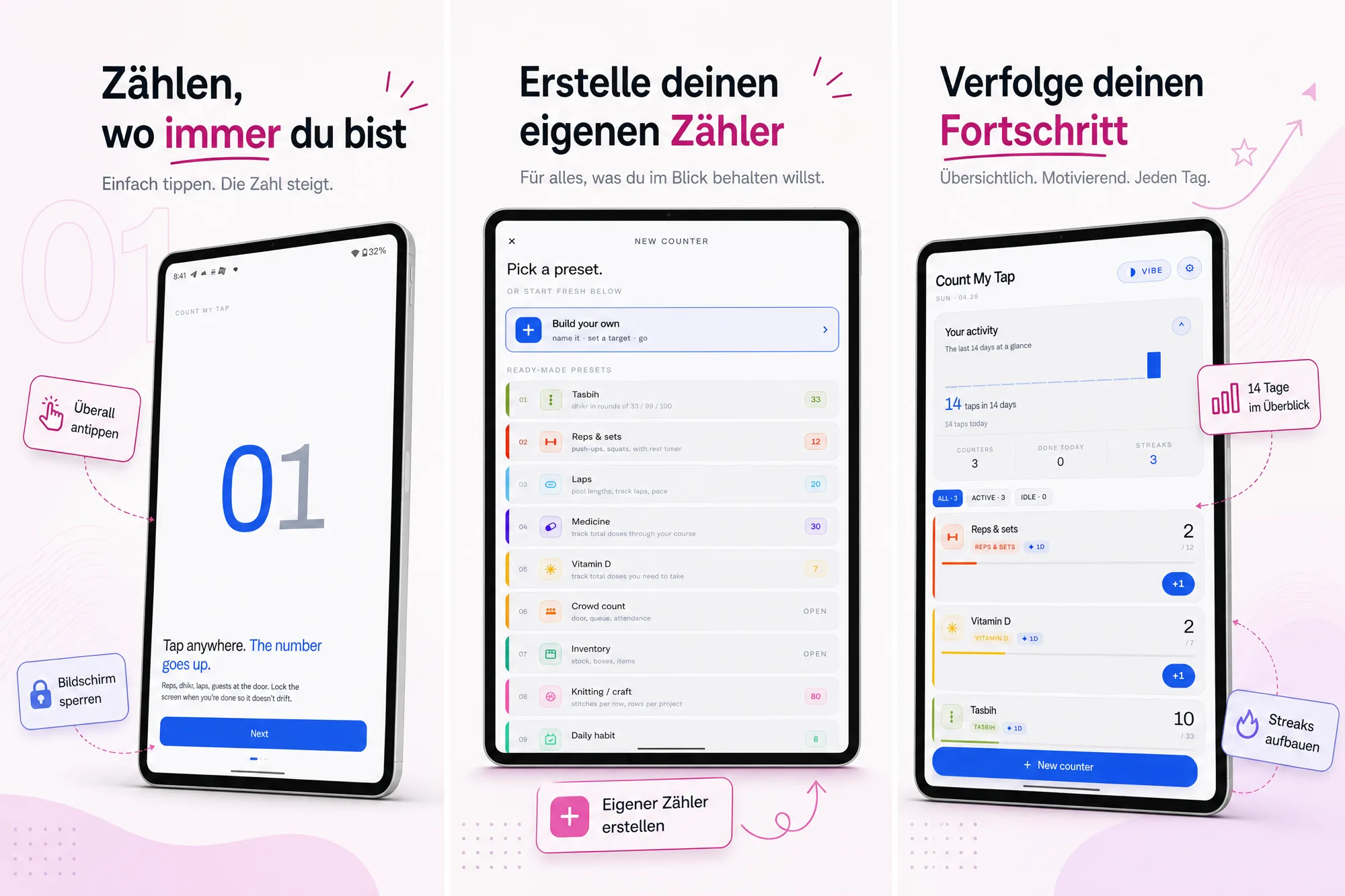
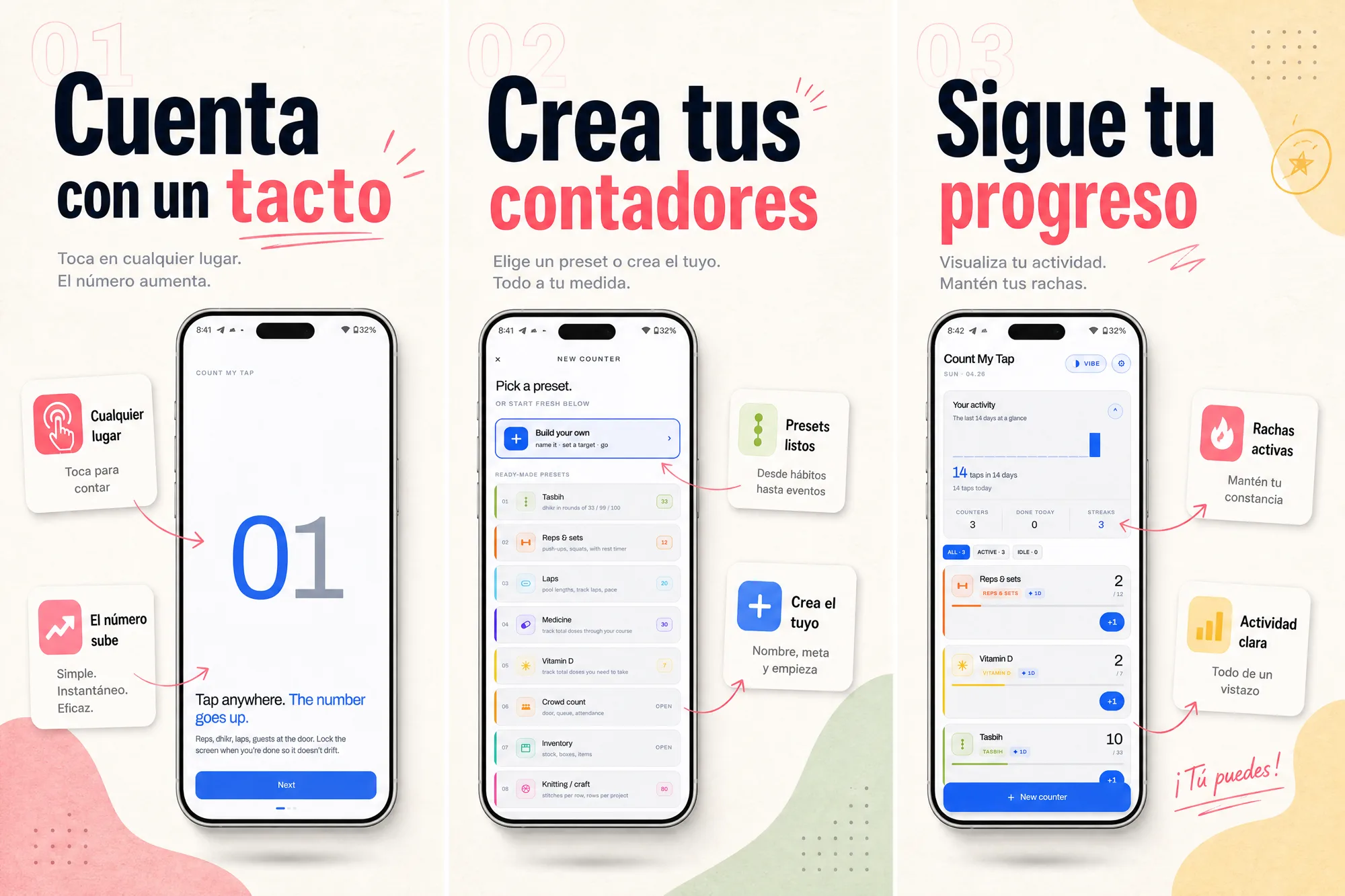
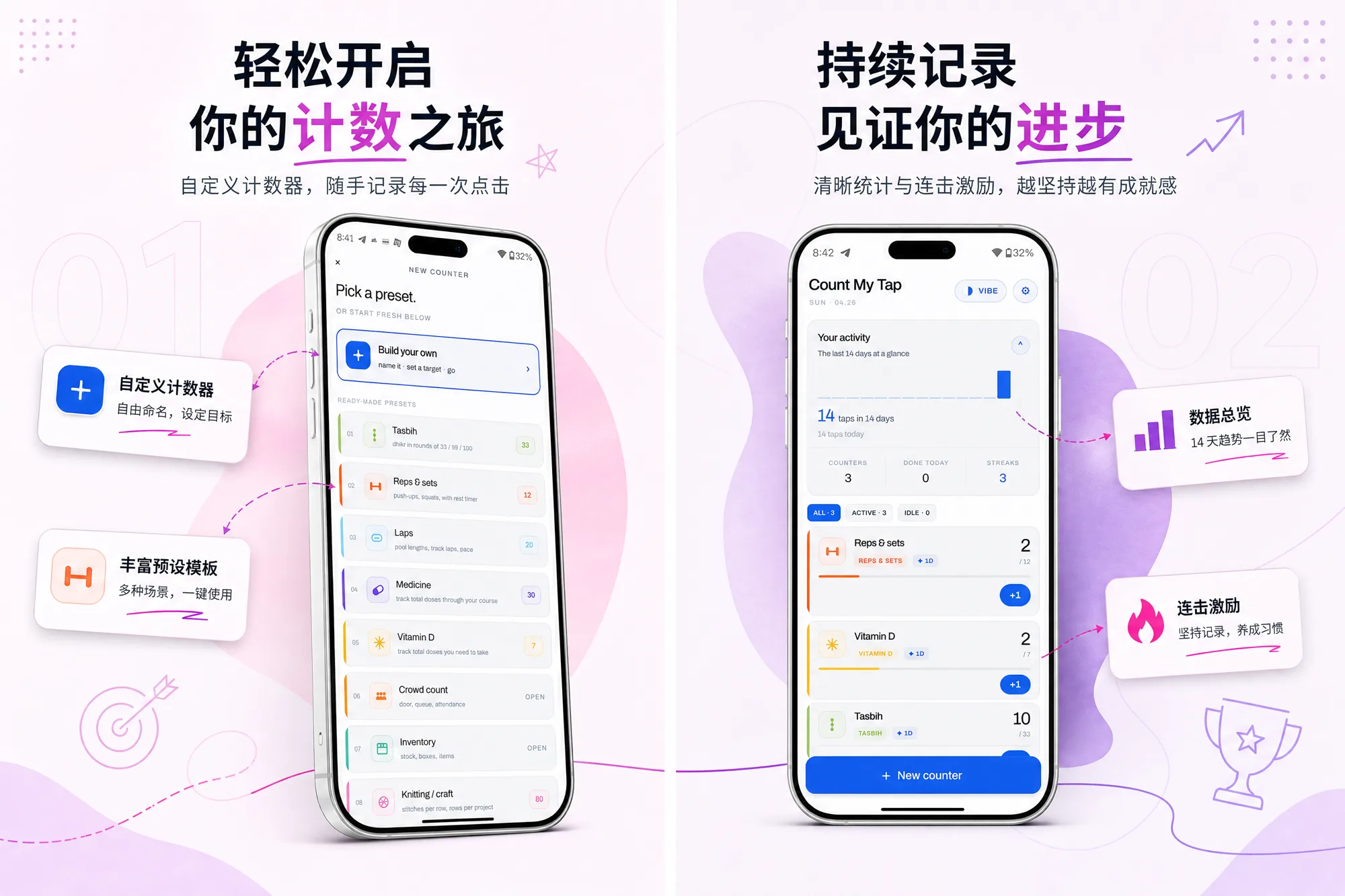
See the full story in the Count My Tap case study.
Text expansion and direction by language
Translation is the easy part. These are the constraints that break a screenshot layout if you copy English dimensions straight across.
| Language | Text length vs. English | Direction | What to watch |
|---|---|---|---|
| German | +30 to 40% | LTR | Long compound words overflow headlines and buttons. |
| French | +15 to 25% | LTR | Formality (tu vs vous) shifts tone and conversion. |
| Spanish | +15 to 30% | LTR | es-ES, es-MX, es-419 are effectively three listings. |
| Japanese | -10 to -50% | LTR | Contracts heavily; full-width punctuation, density matters. |
| Chinese (Simplified) | -30 to -50% | LTR | Short and dense; distinct market from Traditional. |
| Korean | ±10% | LTR | Honorifics and line-break behavior change phrasing. |
| Arabic | +20 to 30% | RTL | Whole layout flips, not just the caption text. |
| Russian | +15 to 30% | LTR | Cyrillic plus long words; watch truncation. |
Localization by language
Language-level considerations (script, direction, expansion, formality) that the country-level guides don't cover.
Frequently asked questions
Do localized app store screenshots increase downloads?
Yes, when you have non-English traffic. A visitor who sees their own language on the first screenshot does not have to translate the value before installing. Count My Tap localized its set into German, Spanish, and Chinese with SnapMonk and grew installs from Google Play search and explore 73.2% over the previous period.
Is translating the captions enough to localize screenshots?
No. Translation is the easy part. The text length changes (German expands 30 to 40%, Japanese contracts), the reading direction can flip (Arabic is right-to-left), and formality and script differ by language. The layout has to adapt, not just the words.
Which languages should I localize my screenshots first?
Start with the markets already sending you store traffic, then the highest-volume App Store and Google Play languages: Spanish, German, French, Japanese, Korean, Simplified Chinese, and Brazilian Portuguese. Add right-to-left languages like Arabic once your layout supports flipping.
How do I localize screenshots without redoing the whole set per language?
Build one source set, then generate per-language variants from it. SnapMonk translates the captions, handles text expansion and right-to-left layout, and exports a per-locale set, so you ship many languages in one pass instead of rebuilding each by hand.
Ship localized screenshots without the design project
SnapMonk's TranslatePanel handles translation, text expansion, and RTL automatically. Review, override where needed, export per-locale ZIPs.
Open AI Engine